Images, videos and UGC built on your products and your Brand Kit, ready to go into your campaigns from the same place.
In numbers
2
minutes
to generate an ad for your product

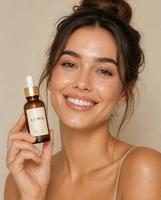

24
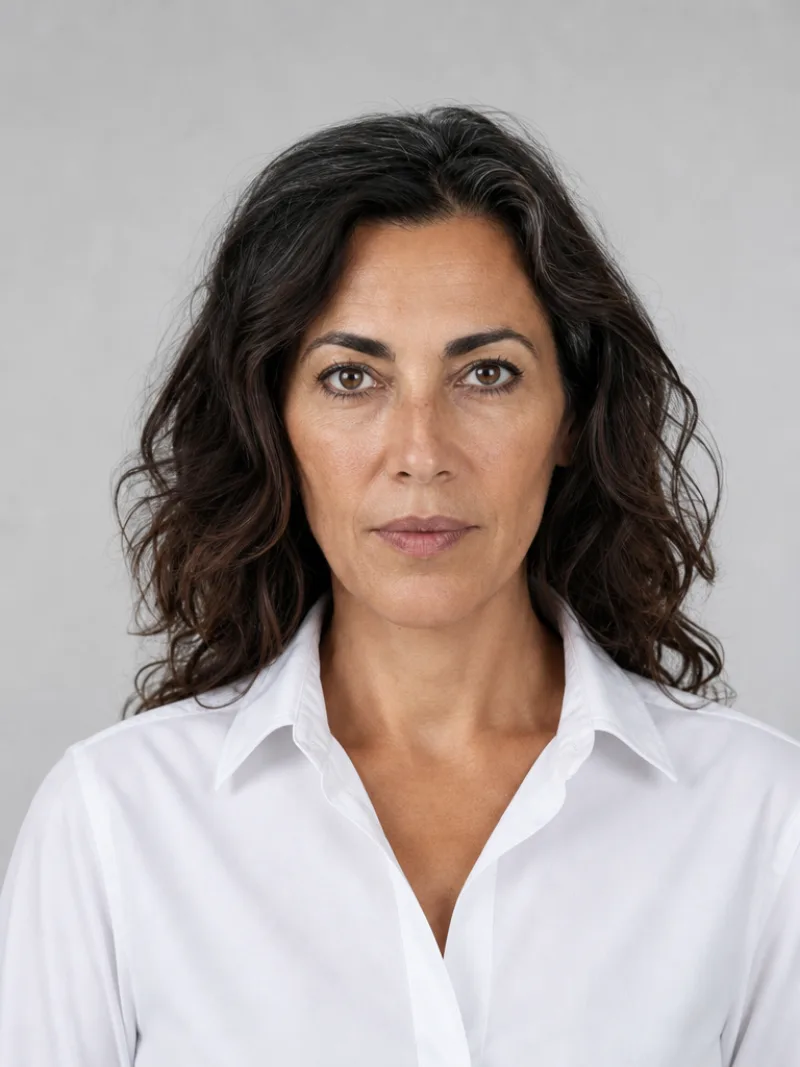
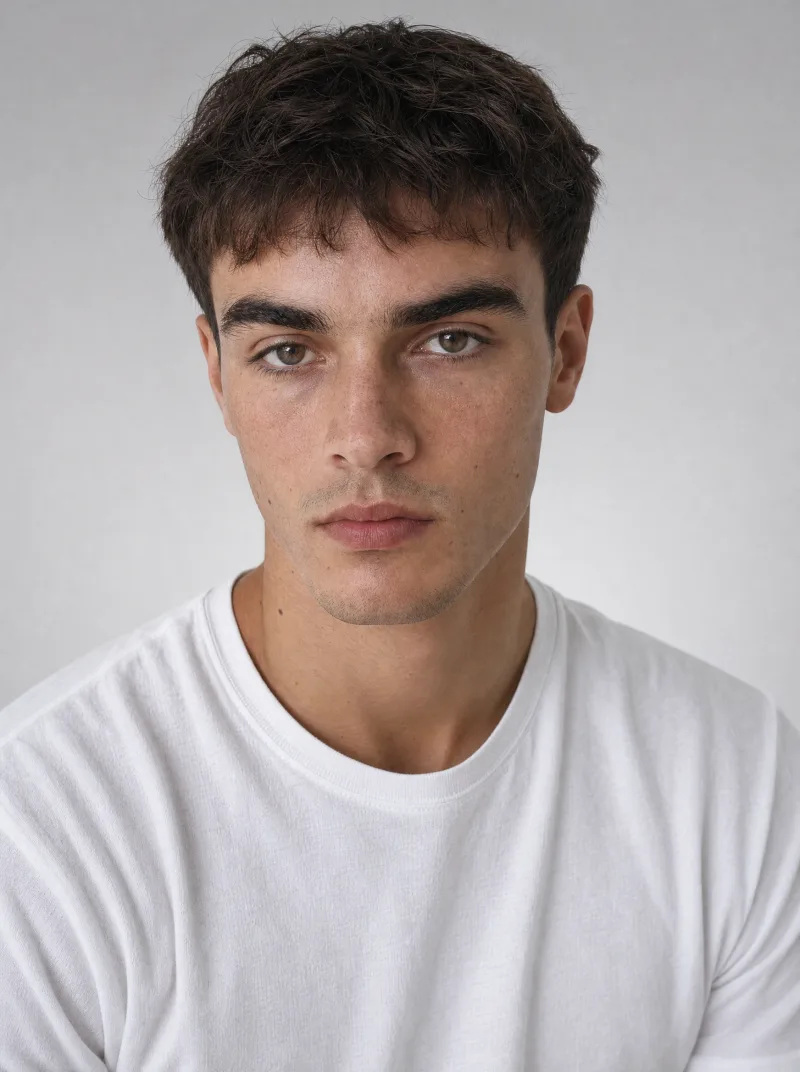
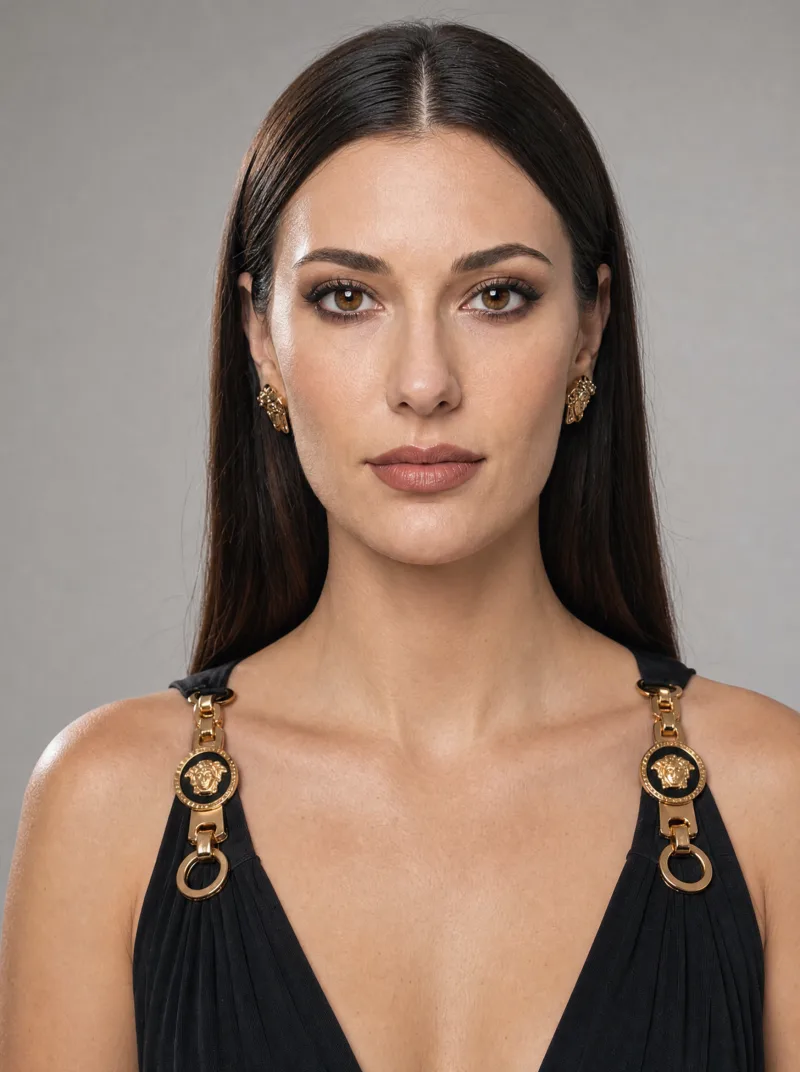
ready-made avatars
plus your own, from a prompt or a photo
Avatars
80+
presets
images, videos and UGC by vertical, prompt included
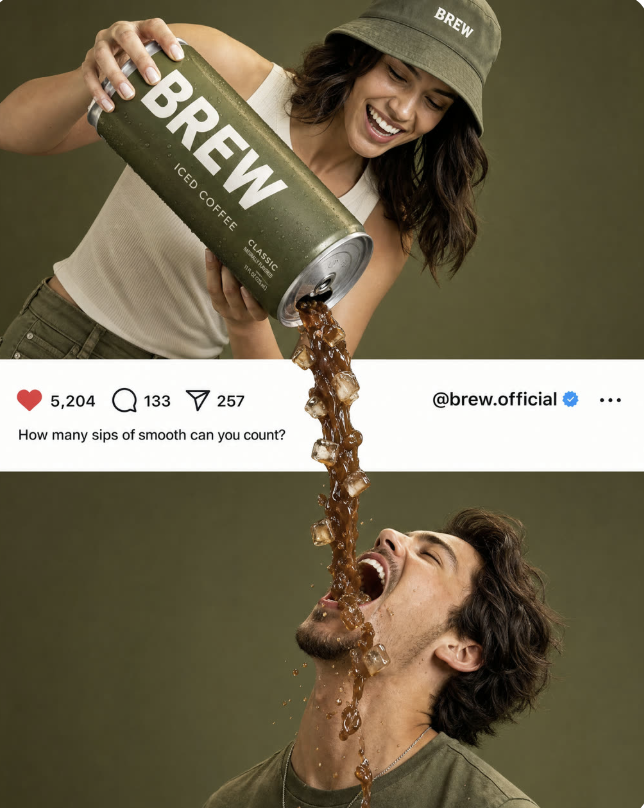
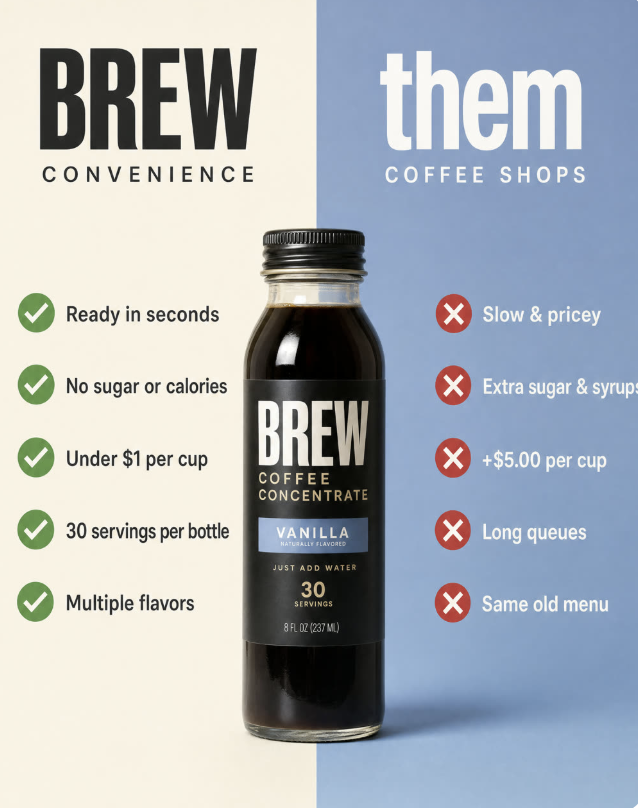
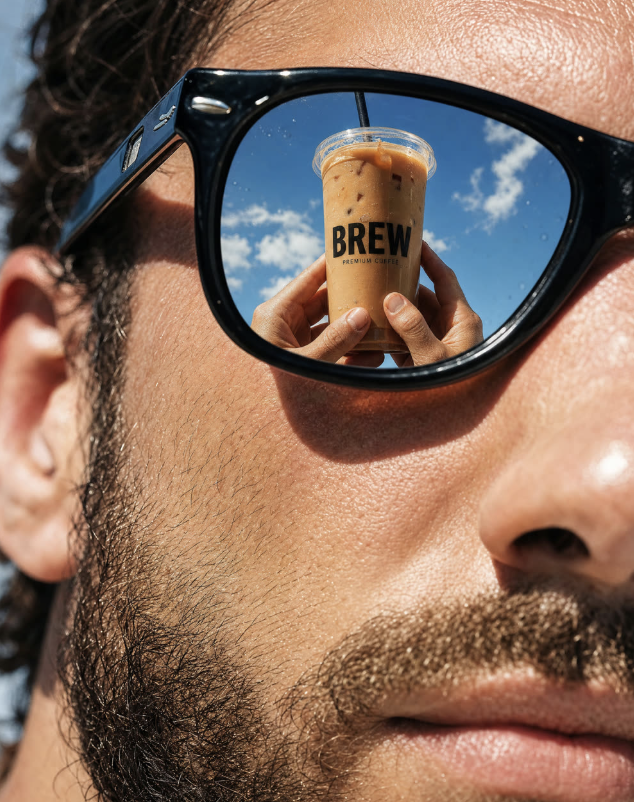
Images
Ads from your products, in your brand.
Your products and your Brand Kit in every image.
Your products, saved once
Add a product from its page link, a CSV feed, Shopify or by hand. Name, image, price and description stay saved, so every image, video and UGC starts from the real thing.
- From a product link, CSV feed or Shopify
- Name, image, price and description saved
- The same product in images, video and UGC
Put your product in the shot
Pick a saved product or paste its product page link, choose a style and a format, and get up to four variants from one brief. Attach a product or an avatar and the image becomes an ad with its own objective.
- Photorealistic, Cinematic or Product style
- Five formats, from 1:1 to 9:16 and 16:9
- Up to four variants at once
Your Brand Kit, built in
Import your Brand Kit from your website or set it up by hand: logo, colours, fonts, tone and words to avoid. Switch it on per generation and it carries into the image.
- Imported from your website, reviewed by you
- Logo, 60-30-10 palette, fonts and tone
- On when you want it, never forced
Video
Product clips, from a single frame.
Start and end frames, three models, clips up to 10 seconds.
Your product, in motion
Start from your product, an avatar, an upload or any image you have made, and bring it to life. Add an end frame and the video moves from one shot to the next.
- Start frame from upload, avatar, product or Creations
- Optional end frame for the final shot
- Format picked up from the frame
Fast draft or hero shot
Three models in one composer: Kling 3.0 for quick drafts, Veo 3.1 for premium realism, Seedance Pro for hero shots. Cost and speed show before you generate, for clips of 4 to 10 seconds.
- Kling 3.0, Veo 3.1 and Seedance Pro
- Cost and speed compared at a glance
- 4 to 10 seconds, in 16:9, 9:16 or 1:1
Reuse what already works
Open any video preset to preview it with sound. Filter by vertical, read the prompt behind a clip and reuse it, or turn an image you generated into a clip with Use for cinematic.
- Video presets by vertical, sound in preview
- The prompt behind every clip
- Any image you made, one click from video
UGC
Creator-style videos, with ready-made avatars.
24 ready-made avatars or your own, 25 UGC presets, voiceovers and subtitles.
Cast your avatar
Browse 24 library avatars by category, gender and age, or create your own from a photo or a description. Pick one and it drops straight into the UGC composer.
- 24 ready-made avatars in 8 categories
- Filters by category, gender and age
- Your own from a photo or a description
Start from a preset
Browse 25 ready-made UGC videos by vertical, from beauty routine to unboxing. Preview one, hit Use this prompt and your composer is filled in.
- 25 ready-made UGC videos
- Filtered by vertical, from beauty to nutra
- Use this prompt fills the composer
Voices and subtitles
In Voice Studio, pick a voice, preview it and turn a script into a voiceover with the tone and speed you want. Your generated and uploaded voiceovers sit together in one library. Then add subtitles to any finished clip, in its original language or translated.
- Generated and uploaded voiceovers in one library
- Five tones and adjustable speed
- Subtitles burned in, original or translated